Windows 1.0 Turns 41: When the PC Got Windows
On November 20, 1985, Microsoft began shipping Windows. Forty-one years later, its first desktop feels like a familiar room with the furniture in unexpected places: there is a mouse, a notepad and a calculator, but the windows do not behave quite as you remember.
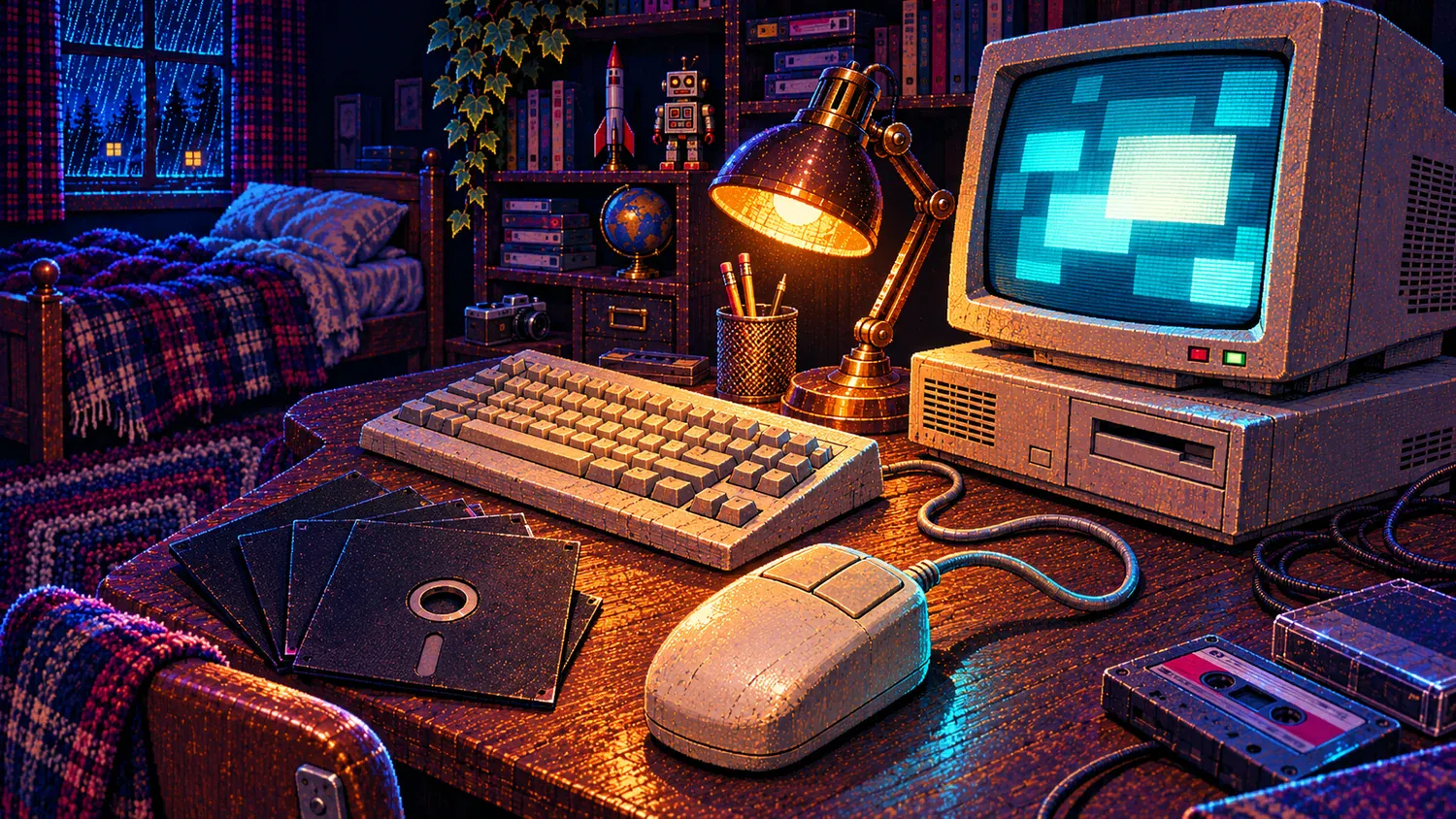
Imagine sitting down at a beige PC with a stack of floppy disks beside the keyboard. You want to write something, check a date and do a quick calculation. Today these are tiny interruptions in a much larger digital day. In 1985, placing such tasks inside a shared graphical environment was the point of the product.
Windows 1.0 is interesting because so many of its ideas survived while its particular arrangement disappeared. Look past the limited colours and you can see a computer learning to present its possibilities instead of expecting the user to remember every instruction.
November 20, 1985: a shipping date, not an overnight transformation
Microsoft’s anniversary history preserves the announcement of retail shipment to dealers and distributors on November 20, 1985. That is the date marked in our Nerd Calendar, and the reason Windows turns 41 on November 20, 2026.
The product family is usually called Windows 1.0. In the preserved release media, the first public version is Windows 1.01. PCjs presents that version running on an emulated IBM PC XT and lists the contents of its five 360 KB distribution disks. The two numbers refer to the same opening chapter at different levels of precision, rather than two separate birthdays.
This was a graphical operating environment for MS-DOS. It did not make DOS vanish. Windows added a way to run and switch between tasks, with menus and graphical controls, on top of that existing foundation. Thinking of it as a modern Windows installation with fewer features misses that relationship.
The windows were tiles
The biggest surprise is spatial. The normal application windows in Windows 1.x occupied a tiled arrangement. Open another task and the available space had to be shared. You did not casually pile document windows on top of one another as on a later desktop. Dialogs and pop-up windows are a separate case; “nothing could ever overlap” would be too broad.
A contemporary Microsoft Systems Journal discussion of Windows 2.0 describes the earlier tiled arrangement while exploring the move to overlapping windows. It even supplies a program to bring tiling back. That detail is revealing: the earlier idea was a trade-off, not simply an unfinished version of the later one.
Tiling keeps the visible work laid out in front of you. A calculator beside a note makes the relationship obvious. Its cost is that adding tasks squeezes the space each receives. Overlapping windows offer more freedom, but introduce the work of finding, raising and arranging what has been covered.
That tension is still easy to recognise. Whenever you put two documents side by side instead of switching between them, you are choosing visibility over a larger individual workspace. Windows 1.0 makes the choice unusually explicit. The desktop is an allocation of attention as well as pixels.
The small programs explain the big idea
The original disk listings contain Notepad, Paint, Calculator, Calendar, Cardfile, Clock, Terminal, Reversi and the separate Write application. These are modest programs to modern eyes, but together they tell a much clearer story than a screenshot alone.
Notepad and Write make the PC a place to put words. Paint lets a hand gesture turn into a mark. Calendar and Clock connect the machine to a daily routine. Calculator handles a small question without requiring an entire specialised workflow. Reversi offers a game inside the same visual world.
Read as a collection, these programs suggest a useful interpretation: the graphical interface needed everyday reasons to exist. A user could learn pointing, menus and switching through things they already understood. The novelty was in the route to the task, rather than the task itself.
It is also a reminder that familiarity can hide historical change. Opening a calculator now seems almost beneath notice. An interface becomes successful enough to disappear from attention when reaching that calculator stops feeling like a technical achievement.
A mouse did not erase the command line
Windows 1.0’s file-management program was MS-DOS Executive, not the later File Explorer. Its name makes the underlying relationship unusually visible. A graphical environment could make actions easier to discover while still belonging to a DOS computer, with its disks, filenames and established software.
The physical machine matters too. A wired mouse, a CRT and removable disks create a different pace from a browser full of services. The distribution itself occupied five disks with distinct roles: setup, core components, utilities, applications and Write. The computer was not an abstract screen; it was a set of things you loaded, connected and kept nearby.
That does not make the older experience automatically better. Its constraints are precisely what make it informative. Modern habits become easier to notice when you briefly remove conveniences you normally take for granted.
How to look at Windows 1.0 today
PCjs offers a practical way to explore the preserved environment in a browser. Treat it as a small interface experiment. Open a simple application, add a second one and watch how the workspace changes. Try finding a file through MS-DOS Executive. Then compare the steps with what your hands expect today.
Pay attention to three questions: what is visible, what must be remembered, and what happens to the first task when a second task arrives? These reveal more than judging an old system against a list of modern features. You are examining the choices of a particular moment.
Forty-one years later, the interesting part is still ordinary
Windows 1.0 did not invent graphical computing, and it did not arrive as the desktop we know today. Its anniversary is a chance to revisit an early Windows environment that made familiar activities share a screen while keeping DOS underneath.
The lasting connection is wonderfully unglamorous: write a note, check a number, find a file, return to what you were doing. The furniture has changed. The desire to keep those little tasks within reach has not.